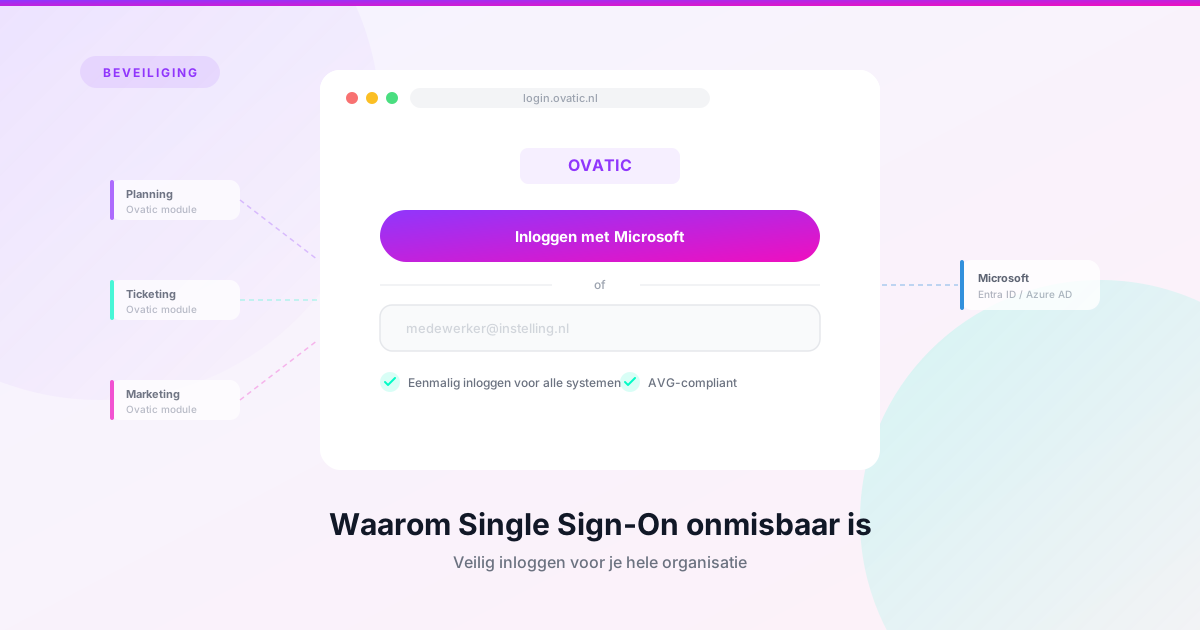
Sign in once, work securely everywhere
How many passwords do you use every day? And how many of them are actually the same password in a slightly different variant? You’re not alone. In an average cultural organisation, staff work with a considerable number of systems: email, a planning tool, ticket sales, financial software, a CRM, perhaps a separate system for the website. Every system has its own login. The more separate systems, the more passwords. And the more passwords, the greater the chance they are reused, written down, or shared with colleagues. Understandable — but risky.
Single Sign-On (SSO) solves this problem. You sign in once and have secure access to all connected systems. No pile of passwords, just one controlled access point. And if planning and ticketing are already in the same platform — as with Ovatic — that saves another login altogether.
What exactly is SSO?
With Single Sign-On, you authenticate yourself once via a central identity provider — for example Microsoft Entra (formerly Azure AD). After that one login, every connected system recognises you automatically. You don’t need to sign in again when switching from your planning to your ticket sales, or from your dashboard to your CRM.
In Ovatic, SSO is available in two ways.
The first is an integration with Microsoft Entra (Azure AD). This is ideal for organisations already working with Microsoft 365. Your staff sign in with their existing organisational account.
The second is a One-Time Password (OTP) via email. This is suitable for organisations without a Microsoft environment. When logging in, you receive a single-use code by email. No password to remember or lose.
Both methods are forms of multi-factor authentication — a measure strongly recommended by security authorities internationally.
Why does this matter?
Data protection authorities are clear: logging in with just a password is inherently insecure. For systems containing personal data — and a ticketing and CRM system contains it by definition — extra security is not a luxury but an obligation under GDPR.
GDPR (Article 32) requires organisations to take “appropriate technical and organisational measures” to protect personal data. Multi-factor authentication is one of the most concrete ways to fulfil this.
What can go wrong without proper authentication? Think of an old password from a former employee that still works. Or a shared password known to multiple people. A weak password leaked via a data breach elsewhere. Or simply no visibility into who logged in when.
With SSO via a central identity provider, you manage this centrally. Employee leaving? Disable the account in one place and access to all systems — including Ovatic — is immediately blocked.
In Ovatic you can also set an end date per employee. Convenient for temporary staff, interns, or seasonal workers: access expires automatically on the agreed date. This prevents accounts from former employees remaining active unnoticed — one of the most common security risks in organisations.
Access management: who can do what?
SSO controls how you log in. But at least as important is what you are allowed to do after logging in. GDPR requires that employees only have access to the data they need for their role — the so-called need-to-know principle.
A cashier doesn’t need access to financial reports. A marketing employee doesn’t need to view cash transactions. And a volunteer who only operates the scanner doesn’t need CRM access at all.
In Ovatic you work with roles and permissions that precisely determine who can see and do what. But granting permissions is one thing. Checking that they are still correct is at least as important.
Review your permissions regularly
Permissions tend to grow. An employee gets temporary extra access for a project and keeps those rights afterwards. Someone changes roles but the old permissions are not revoked. After a year, part of your team has more access than necessary.
Ovatic contains a report that lets you look up which roles and permissions have been granted per employee. Our advice: review this report at least twice a year and ask yourself: does this person still need this access? In Ovatic you can schedule and send reports automatically. Schedule this report so the review never gets forgotten.
This is not a bureaucratic exercise. Data protection authorities expect organisations to “properly set up and document their authorisations.” In the event of a data breach or GDPR audit, an up-to-date overview of who has access to which data is one of the first things asked for.
Practical checklist for your organisation
Want to know whether your organisation is in good shape regarding access management? Work through these points.
Do all employees use SSO or MFA to log in to Ovatic? Or are there still accounts with just a password?
-
Have all accounts of former employees been deactivated?
Use the end-date feature in Ovatic for temporary staff, so access expires automatically.
-
Is the permissions structure still correct?
Run the permissions report in Ovatic and assess per employee whether access is appropriate.
-
Are there accounts used by multiple people?
This is a security risk and makes it impossible to trace who did what.
Schedule a bi-annual review in your calendar and set up automatic scheduling of the permissions report. Permissions that made sense a year ago may no longer be appropriate now.
Further reading
National Cyber Security Centre: Multi-factor authentication guidance
ICO: Encryption and access controls
ENISA: Guidelines on Multi-Factor Authentication
Want to set up SSO for your organisation or need help structuring your permissions in Ovatic? Get in touch and we’ll be happy to help.
Want to see Ovatic in action?
Book a free 30-minute demo tailored to your organisation. No obligations.